Enter your demo invitation code to get started
Confirm
Simulated DOOH screen demo
Begin my demo
Please use the Chrome browser
This demo only runs on the Google Chrome Browser
Please re-open this page in Chrome
Download Chrome
Welcome to your demo of the future of OOH
Set up my demo
Install the Catch App
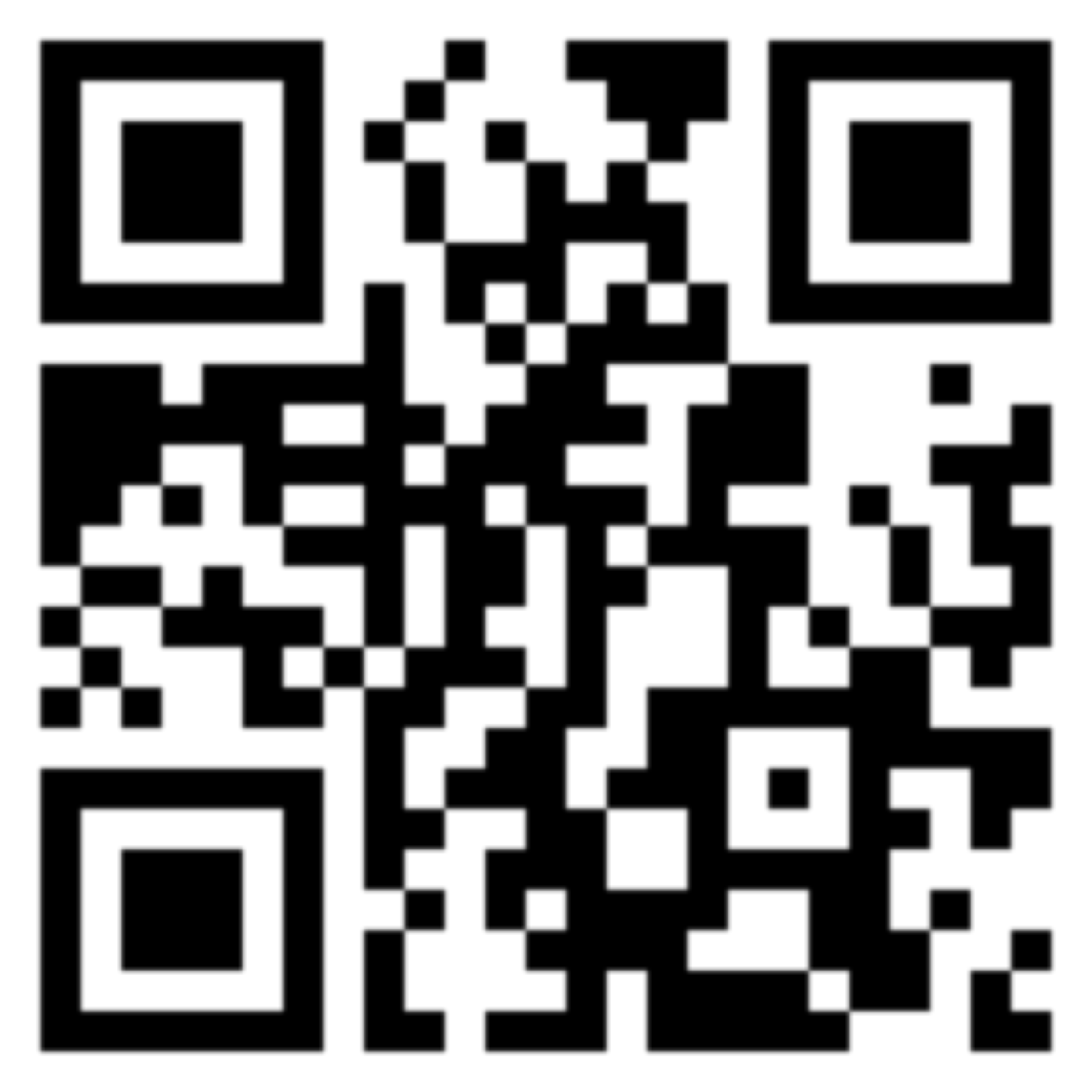
Scan the QR code with your
smartphone to install the Catch app.
Next
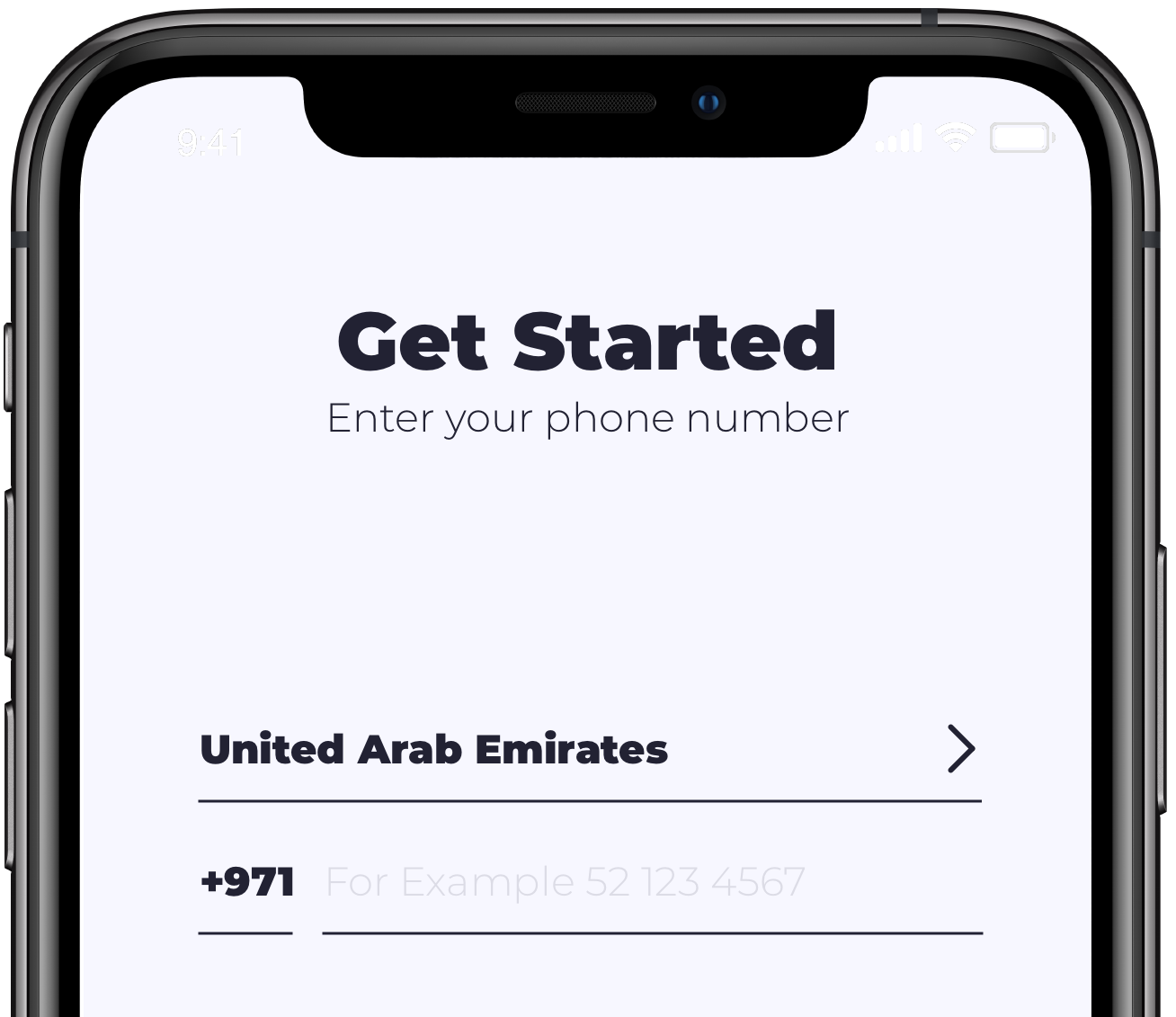
Log in to your Catch Account
Use the phone number provided with your invitation
otherwise this demo won’t work.
Next
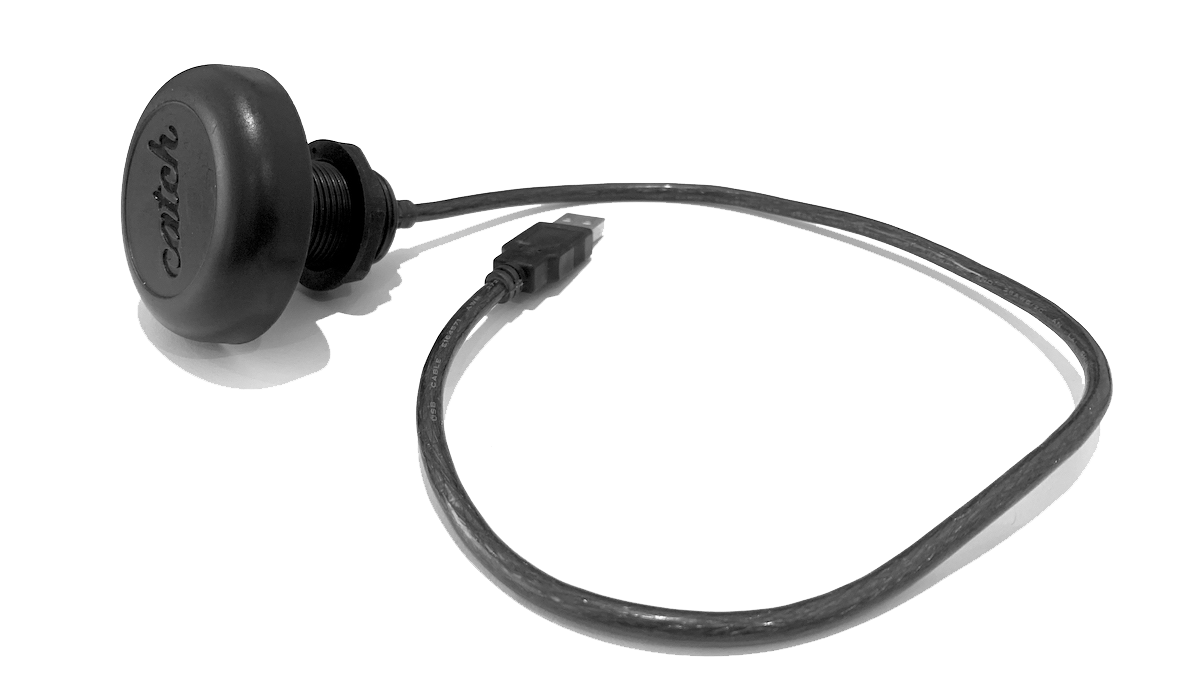
Connect the Catch Broadcaster
Plug the device into a spare USB port on this computer.
We also sent you an adapter for newer USB-C computers.
Next
Connect the device to Chrome
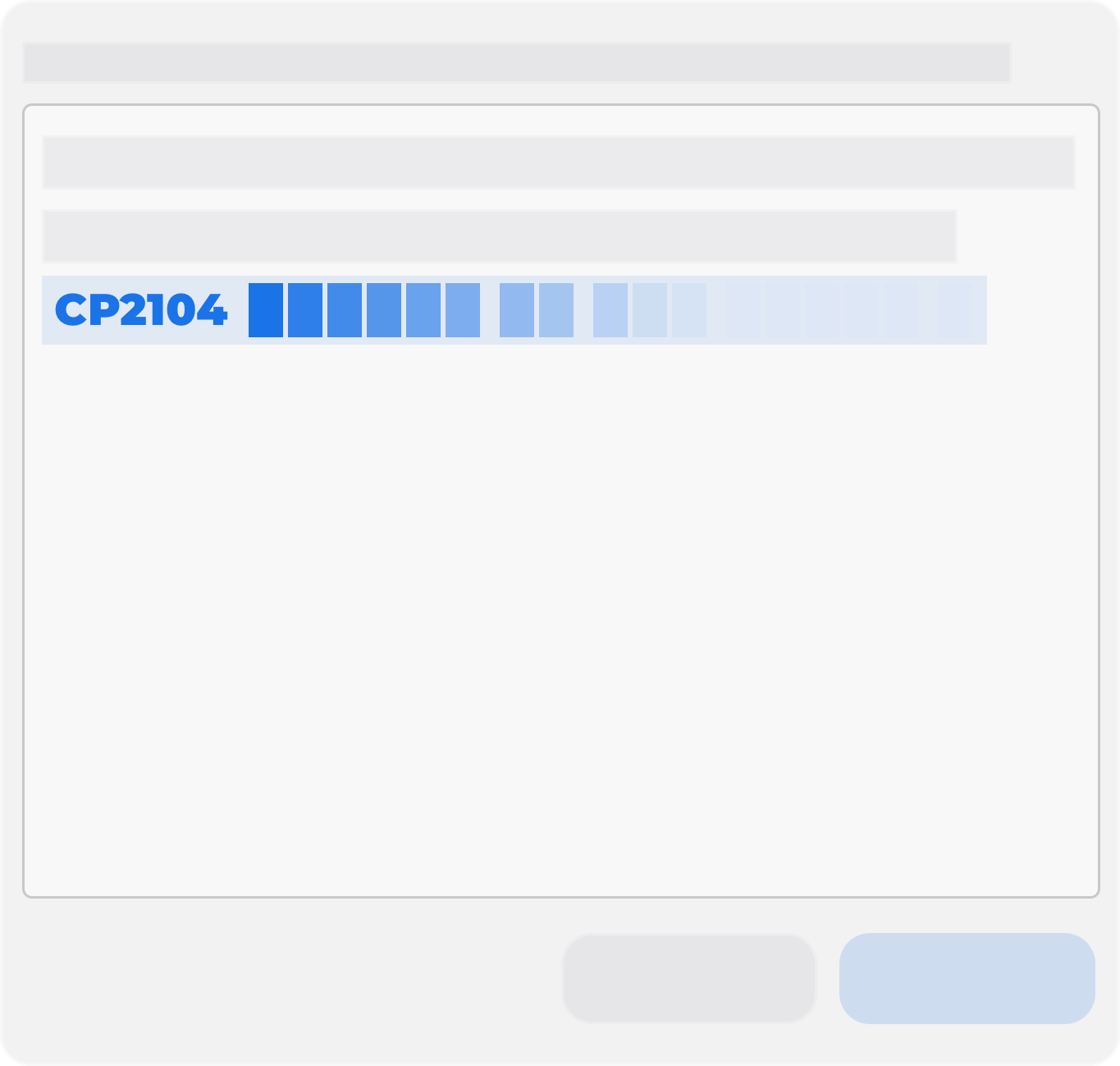
Click the button below, and select the device beginning
with CP2104, and click connect.
Connect
Loading DOOH Simulator
Open your app and get ready to catch!
Clear these messages
Warning: Windows is not officially supported - continue at your own risk
Close